Getting Started
How to connect your account to SocialLead
Written By:
Last Updated on September 11, 2024
Connect your account to SocialLead:
Click Settings in the left sidebar
Click the Settings tab along the top of the page
If your account is not connected, you will see a prompt similar to the one above. Click Reconnect
Fill in your email and password in the form provided
Note: Your account may not necessarily have the same email associated with your SocialLead account - this will not impact your ability to use the platform.
You may be asked to provide a 6-digit PIN to complete the connection process. Access this PIN from the email of your account or via text message.
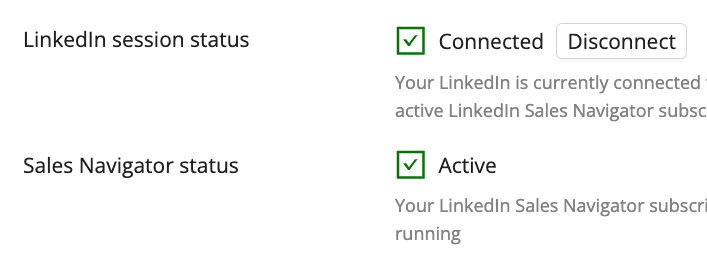
Once you see the following prompt, you have successfully completed the account connection process and can now use the full suite of features available to you on SocialLead.