Add Messaging to Campaigns
Setting Up Your Campaigns
Here's how to add and edit messages to your campaigns.
Creating the Messaging Sequence
Choose a campaign > Go to Messaging
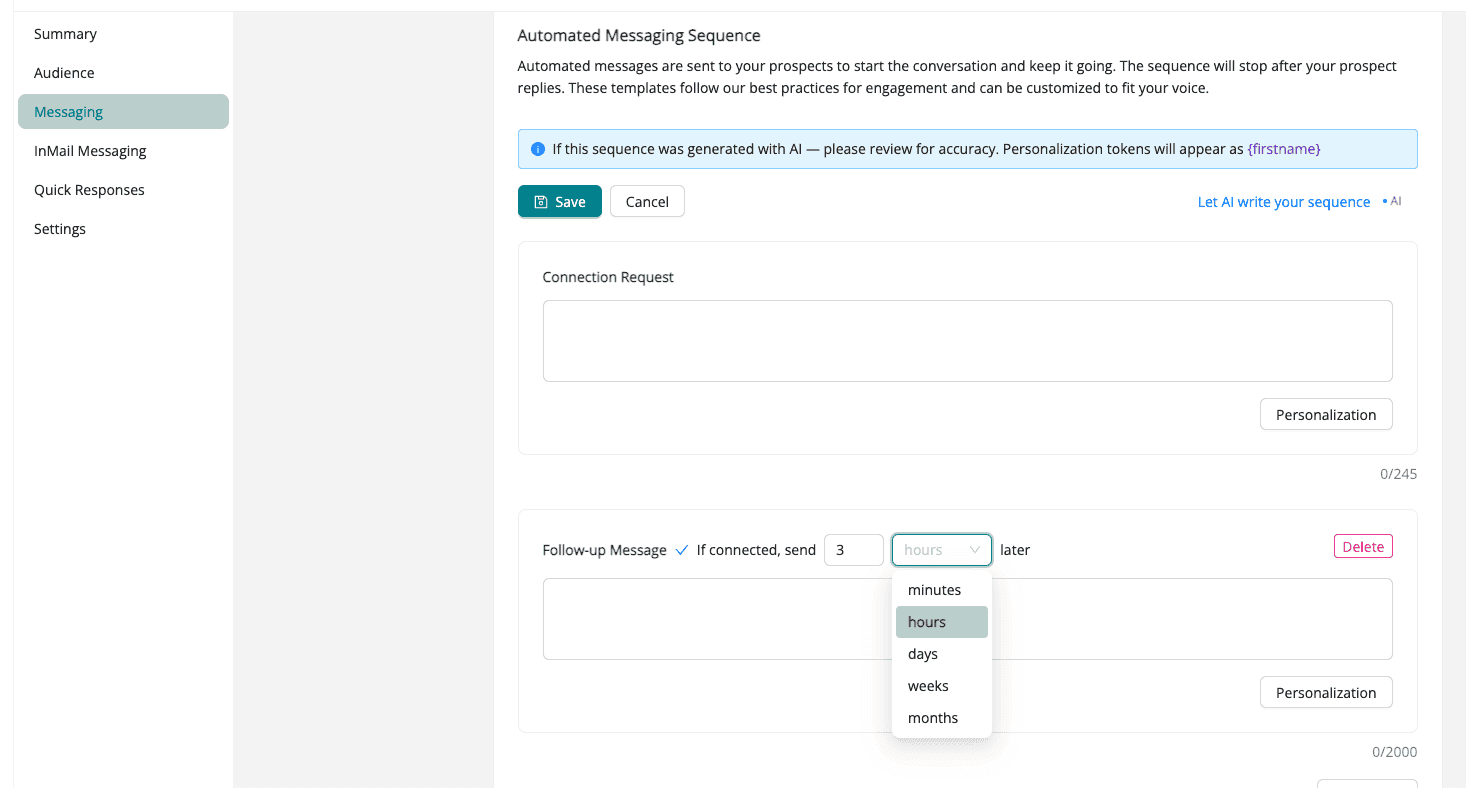
Click Edit to edit existing message or start with the Connection Request message.
If you're not sure how to get started or what to say, click Let AI write your sequence.
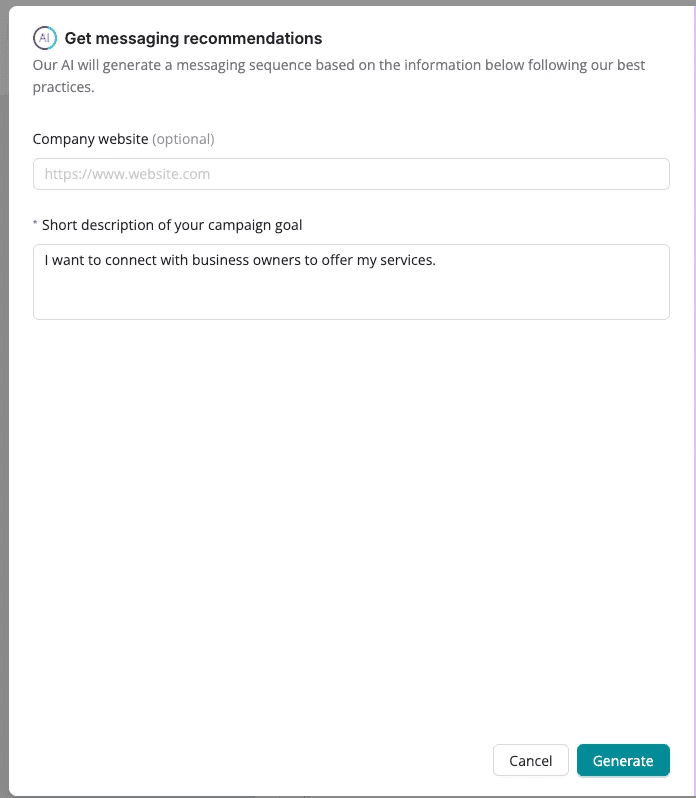
Note: The Connection Request message is limited to 295 characters
When adding follow-up messages you can set up follow-up timing to make sure your prospects don’t receive multiple messages over a short period of time. You can also personalize the messages using the Personalization button to add the person's first and/or last name.
Note: Personalization tokens will appear as {firstname} {lastname}. Do not change the token formatting.
Suggested message timing:
2nd message: between 120 - 180 min
3rd message: 2-4 days after 2nd message
4th message: 1 week after 3rd message
5th message: 1 to 2 weeks after 4th message
For additional information on how to build out your automated messaging, here's a step by step how-to.
